
1.Collect
Every customer conversation on every account, gathered overnight.
 Top 5 finalist, Battle of the Builders
Case study · Worldwide Logistics
We built Worldwide Logistics an 8 AM briefing in HubSpot. It reads every customer conversation overnight, so 153 people start the day knowing who needs them first.
 Freight for some of the biggest brands in the country.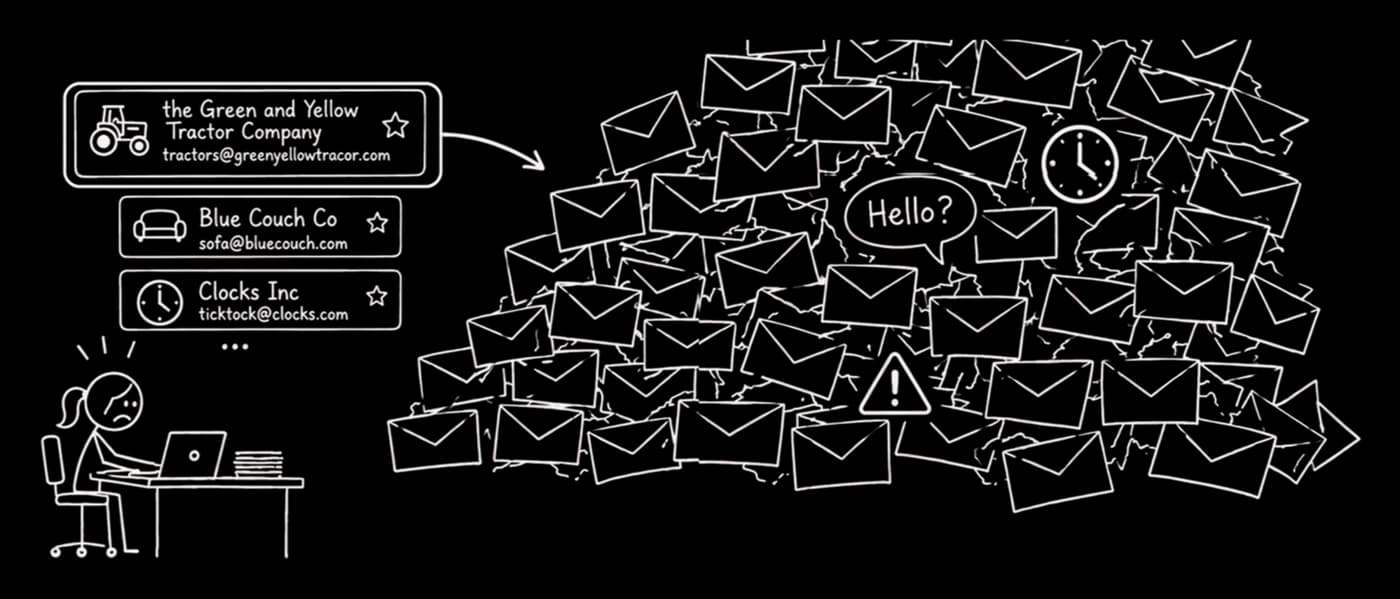

HubSpot's Battle of the Builders brought five finalist teams to the stage at UNBOUND 2026 to show, live, what they had built on HubSpot. We were honored to be selected as one of the five.
Sawyer McGuire, our Director of Growth Operations, took the Innovation Stage and walked the room through a single morning at Worldwide Logistics. The rest of this page tells the same story.
One of those shipments needs her first. Finding it is the hard part.
Customer service at Worldwide Logistics happens in email. Every logistics project manager (LPM) handles customers and carriers from one inbox, and a customer and a carrier look the same in a preview pane.
Roughly 40 threads per person get logged to HubSpot every night, and the raw inbox is bigger still. A follow-up disappears inside a thread. Response times drift. And the first time leadership hears about a problem is often when the customer calls.

The real constraint
Under the old model, that meant roughly three times the people. All of them recruited, trained, and seated in Des Moines, mostly to read through inboxes.
Growth was about to be limited by hiring, not by demand. So the question we took on was how the same team could carry three times the customers.
Each dot is one person.
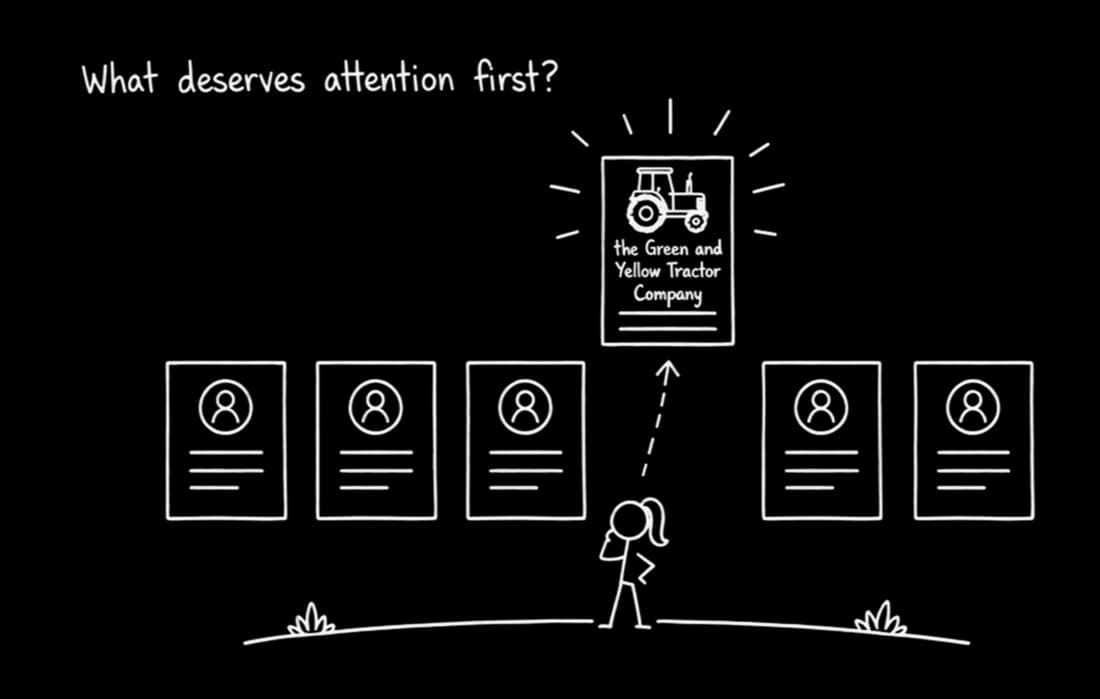
Tara doesn't have an information problem. She has a “what first?” problem.
Everything she needs is already in the inbox. What she doesn't have at 8 AM is a ranking. Nobody can read everything, sort customers from carriers, and still serve customers all day. So that's what we built around.
What we built
Every account with customer email yesterday gets reviewed before 8 AM. Only what needs a human reaches one.
Every customer conversation on every account, gathered overnight.

Each account rated High, Medium, Low, or None against a fixed set of rules, decided once.
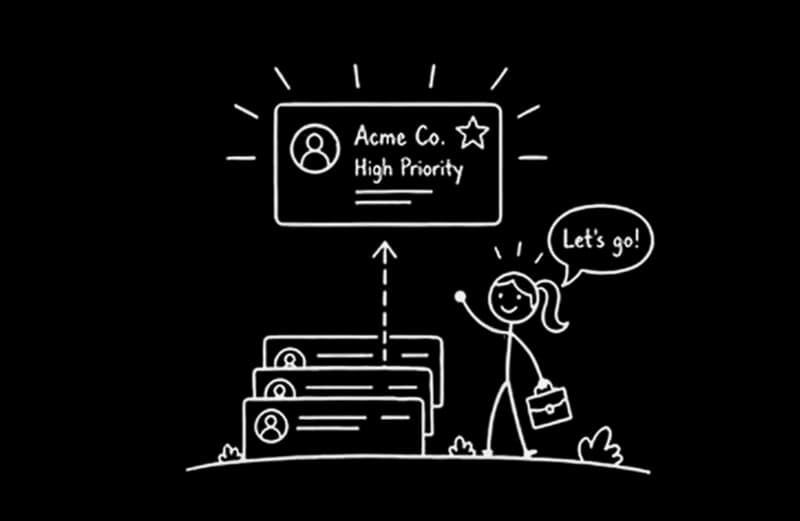
Two role-specific briefings, sent to whoever can act.
How it works
AI recommends. A human decides. No customer is ever contacted by AI.
Want an agent built around how your team works?We'll map where it fits in your HubSpot.
Let's talk about yours →What lands in the inbox
Now he gets one briefing. This morning it flagged seven accounts, each with a suggested action showing where he can help, before anything becomes an escalation.
The Green and Yellow Tractor Company is at the top. Her director sees the same list, and Breeze can answer her next question because everything is already in HubSpot.
Nick: Leadership Daily Digest, 2026-09-17
Early-morning ops watch: several open shipment exceptions need follow-up, with urgency on same-day pickup, ETA, and recovery coordination.
The Green and Yellow Tractor Company
LPM: Tara
 One question. A prioritized watchlist.
Why does the Green and Yellow Tractor Company need my attention today?
Recreated from the live briefings. Names are representative.
The results
Urgency used to be set by whoever complained first. Now trouble gets spotted before the customer escalates.
Two-thirds of customer accounts now hear back within 15 business minutes on a typical day.
The team can now see their own reply times too, so the briefing isn't the only reason.
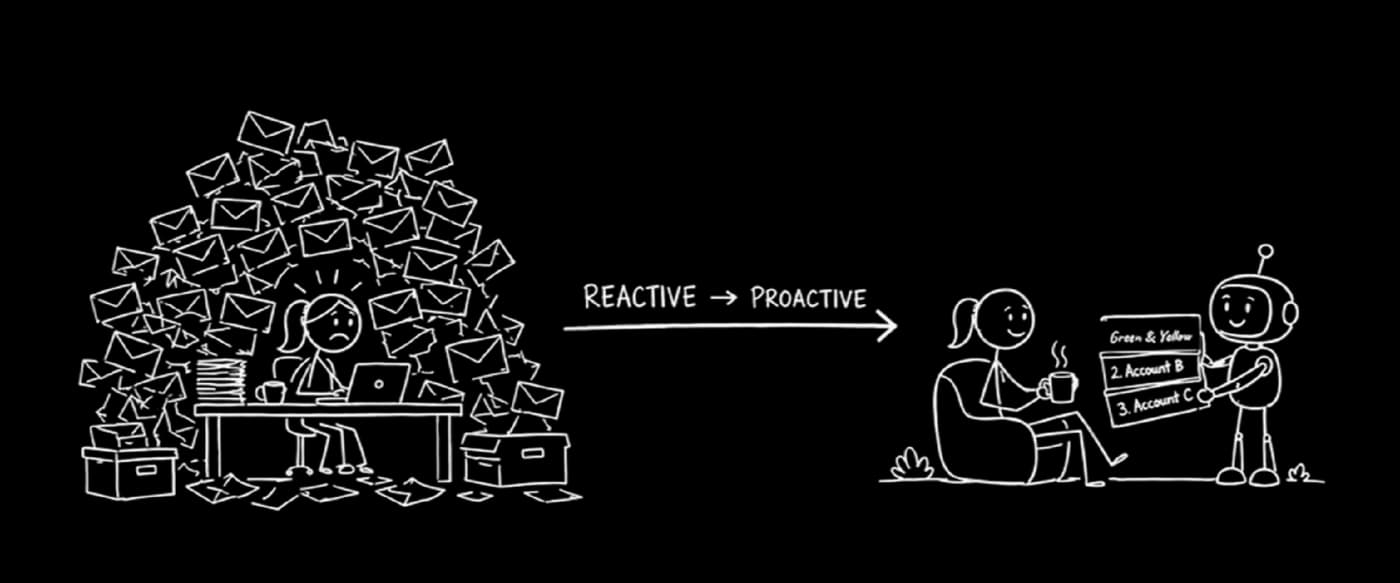
From reactive to proactive.
Where is your team losing hours to the inbox?Let's look at where agents could give that time back.
Book a call →From a system of record to a system of action.
Adoption
We previewed it live with the LPMs before launch. The first worry was Big Brother. Then they saw a short list replacing a flood of email, and the question became what else they'd get.
How did you decide where the human comes in?
We watched what each LPM actually does all day. AI does the reading and ranking. The LPM still owns the customer.
The build
No extra tools and no separate app. The briefing lives where the team already works.
Every email, call, and RFP, plus Worldwide Logistics' account and team hierarchy.
Two of them, at 5:00 and 5:30 AM, running per person and per role.
Six: context, triage, and two AI judgment calls.
The handoff. The LPM agent writes, and the leadership briefing reads.
Every customer reply timed against a 15-minute target.
On-demand answers for every LPM, with the full context already in HubSpot.
What's next
Best implementer I have ever worked with.
Lee Buehrer, Delivery Lead, Worldwide Logistics
What we built creates capacity inside the team Worldwide Logistics already has, in their first year on HubSpot.
Tara still owns the customer. She still makes the call. And Worldwide Logistics' next hires can go toward growth.
FAQ
Straight answers from the team that builds them.
Build the context in HubSpot first, then let AI judge it. A reliable setup has four steps:
RevOps Shop built this for a 200-person logistics team. It briefs 153 people every morning.
Yes. HubSpot workflows can run AI in two ways: custom-coded actions that call an AI model directly, or HubSpot's own Data Agent, which offers a custom-prompt workflow action. Custom-coded actions give you more control over cost and output format.
The pattern that works best is to let the workflow gather and filter the data, and use AI only for the judgment step.
Give the AI fixed rules and a short list of allowed answers instead of an open-ended prompt. A four-level rubric works well:
Rate each account's last 24 hours rather than each email, require structured output, and save high-priority items in HubSpot so managers see the same list.
It can cost very little when HubSpot does the heavy lifting first. If workflows filter the data before the AI step, the model only reads what it needs. A RevOps Shop build that reviews every active customer account overnight for 153 people runs for under $1 a day in AI costs.
Costs grow with volume, model choice, and how much text each AI call sends.
The core pieces are workflows with custom-coded actions, which come with Data Hub Professional, and Sales Hub or Service Hub so emails and calls are logged to your CRM records.
Useful additions include user properties to store each person's flagged items, a custom object and dashboard to track reply times, and Breeze Assistant so people can ask follow-up questions about any account.
In freight and logistics, customer service often runs through email, with customers and carriers mixed in the same inbox. HubSpot logs those conversations to each customer account, so teams can see account history, track reply times, and spot customers who have gone quiet.
Adding an AI briefing that ranks accounts each morning surfaces problems like missed pickups before the customer calls. After one RevOps Shop launch, median reply time fell from 9.3 to 6.3 business minutes.
Your turn
Book a call and tell us what's getting buried. We'll talk through where HubSpot and a few well-placed agents could give your team its mornings back.
30 minutes with the team that built this. No slides required.